MOLI Jobs
production execution that maximizes throughput
Digital Job Travelers. Done Right.
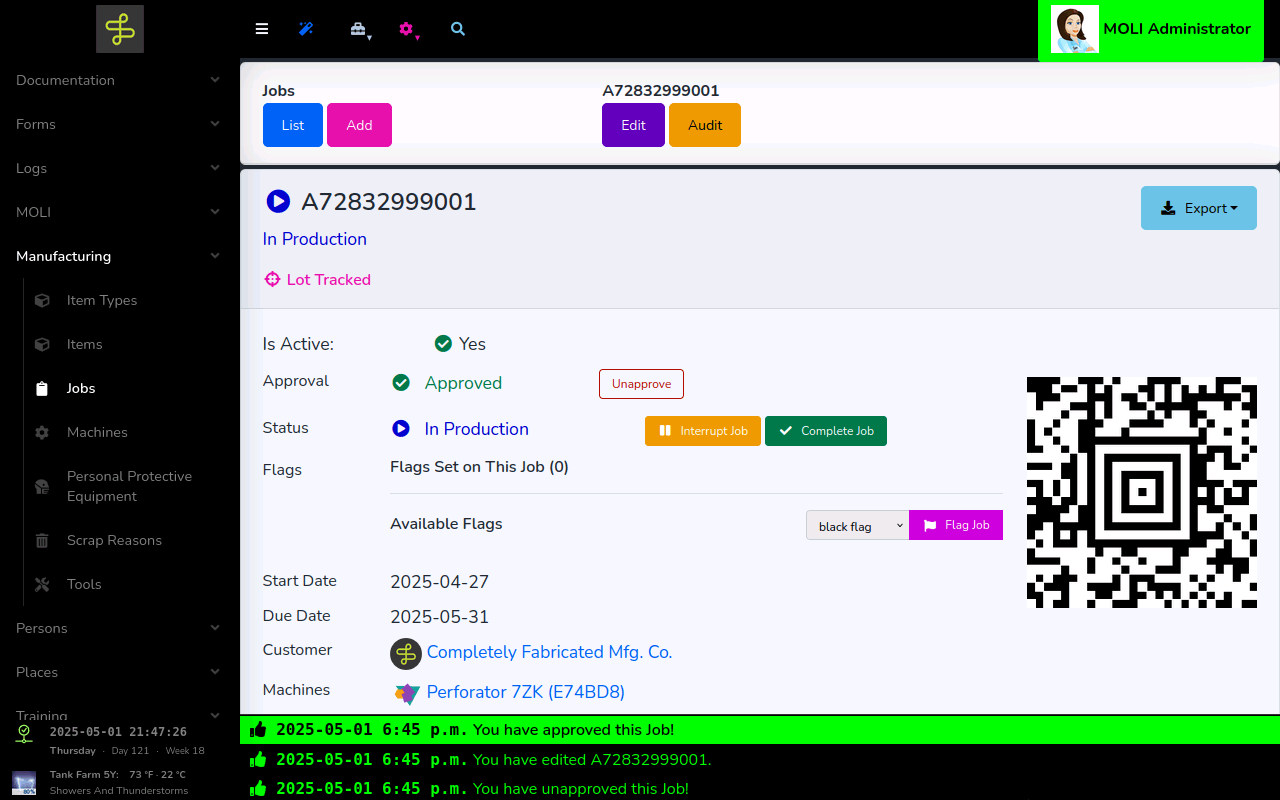
Jobs flow from your ERP into MOLI automatically — no manual creation, no data entry lag.
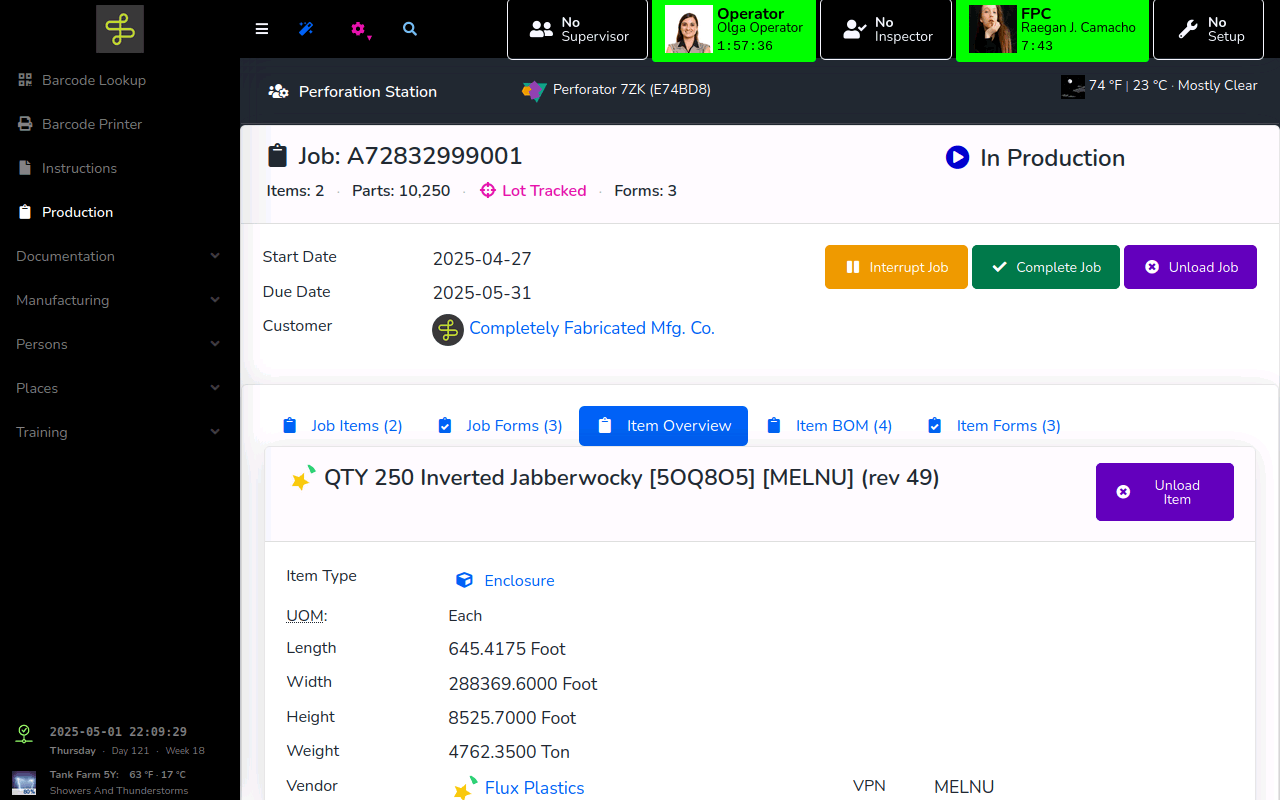
As team members interact with a job, MOLI delivers required training, work instructions, and data entry forms dynamically based on role and context.
The Job Pack Export captures every interaction — who did what, when, and on which revision.
How It Works
- Create Jobs in MOLI, either manually or automatically with a MOLI ERP Integration.
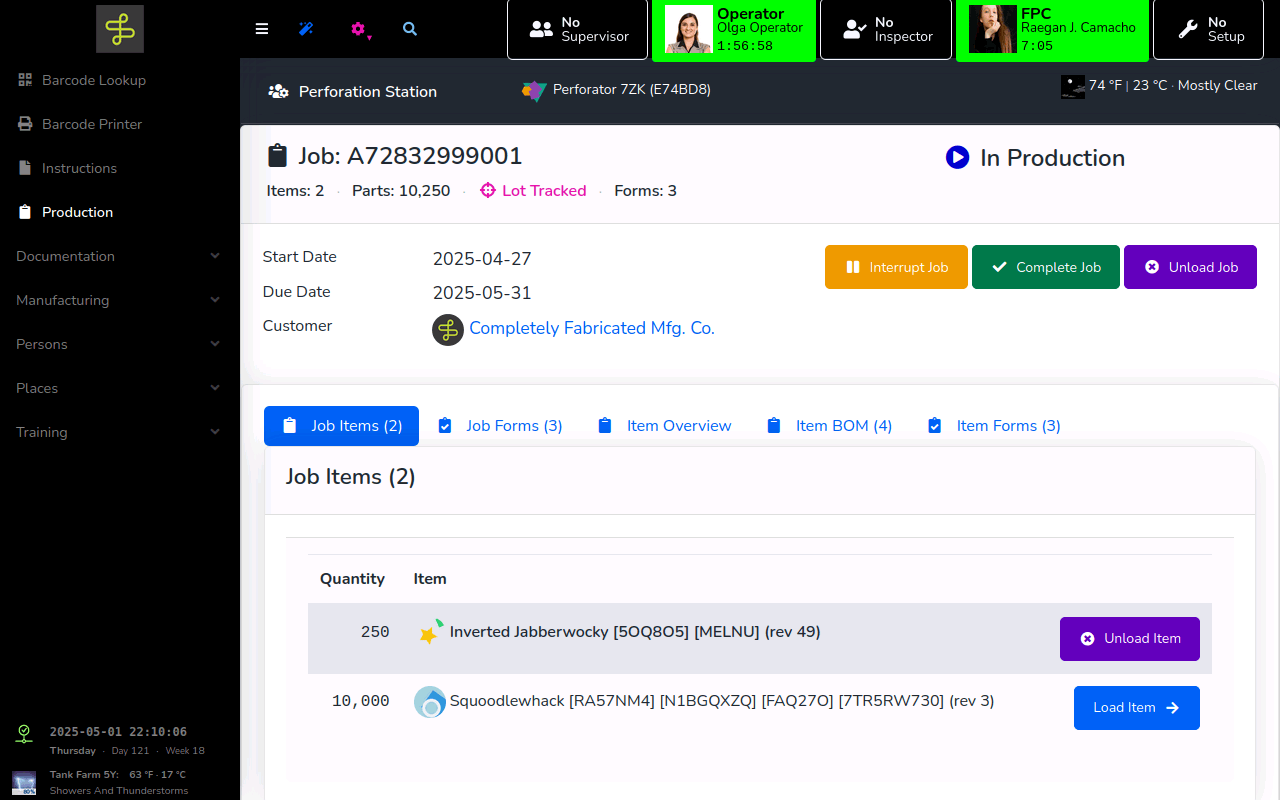
- Attach Items to the Job. Forms, Instructions, Assessments, and documentation from the Item load automatically.
- Attach Content to the Job: Forms, Instructions, Assessments, Files, Photos, and Videos.
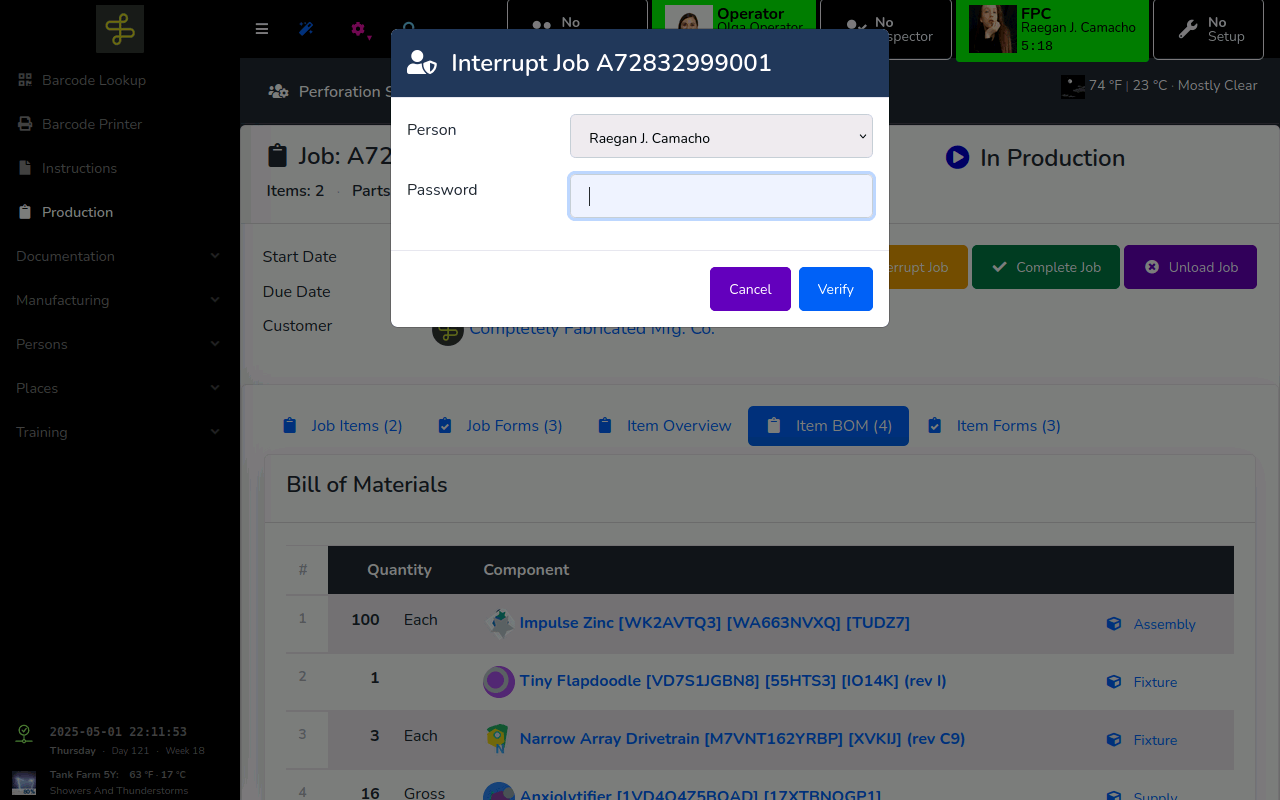
- Operators load the Job on the Kiosk — receive documentation — and enter production and quality data.
- As the job is executed, review progress with MOLI Digital Signage and MOLI Data Exports.
- Job Data can sync back to supported ERP Systems, or be exported automatically to the MOLI Folder or to any supported MOLI Document Management System Integration.