
MOLI Timeclock
attendance capture · timecard review · payroll export · evacuation headcount
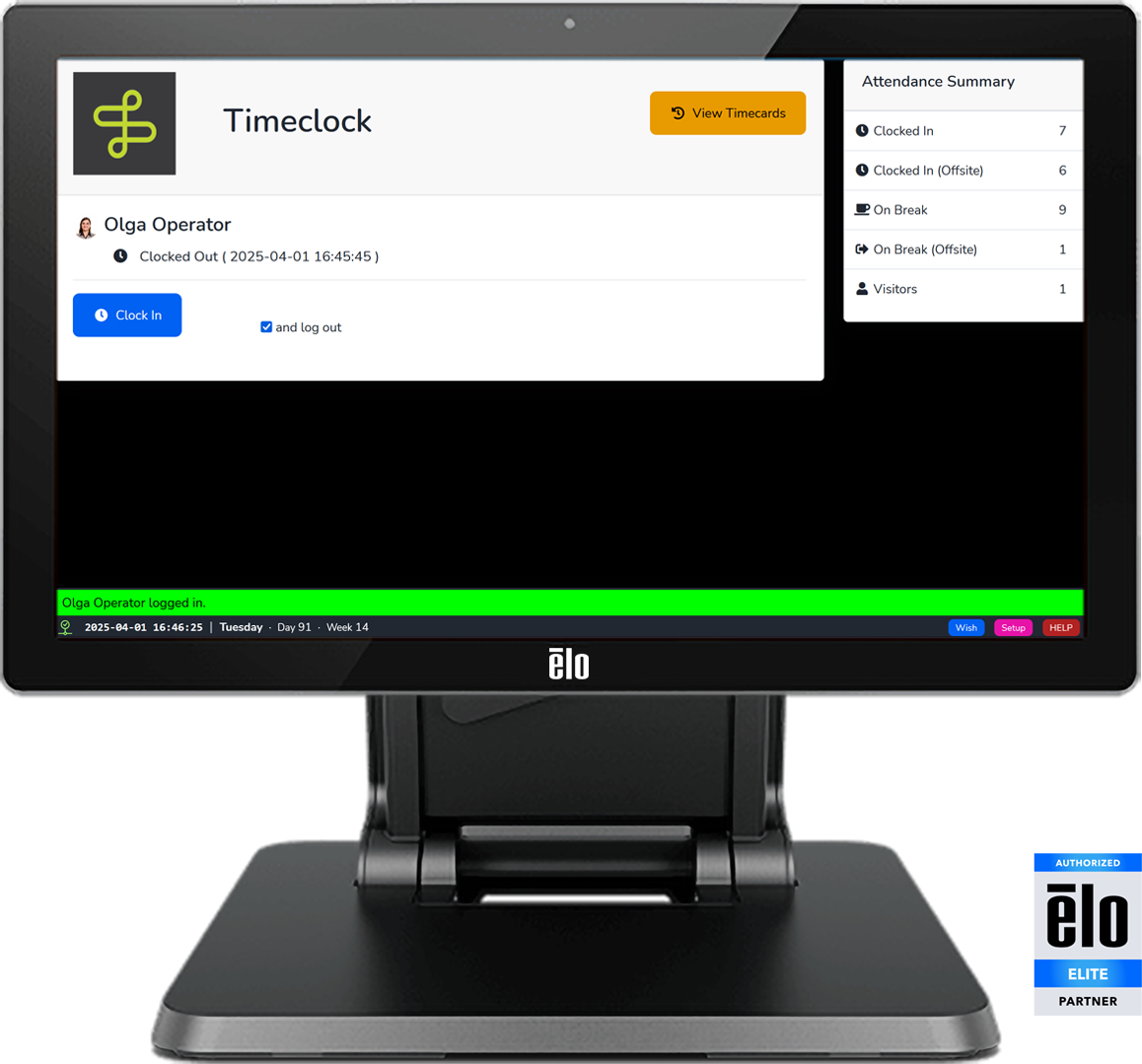
A Fully-Integrated Timeclock. Available on any MOLI Kiosk.
MOLI's Timeclock Kiosk lets employees record their work and break activity and review their timecards, and exports its punch data to your payroll provider.
How It Works
- Key Functions: Buttons to Clock In / Clock Out or Start Break / End Break, which create timecard punch data.
- Flexible Deployment: Can be deployed standalone, or with a Visitor or Production Kiosk.
- Flexible Login Options: Barcode / badge, NFC / keyfob, magnetic stripe, Employee ID, or username / password.
- Optional Photography Features can snap photos or ask users to take their picture as part of Timeclock activity.
- Self-Service Timecard Review directly only through the timeclock.
- Payroll Provider Export: Approve and export punch data to ADP, Gusto, or Paychex via provider-specific formats, or to any payroll processor via generic CSV.