
MOLI Authentication and Authorization
industry-standard identity and access for every context
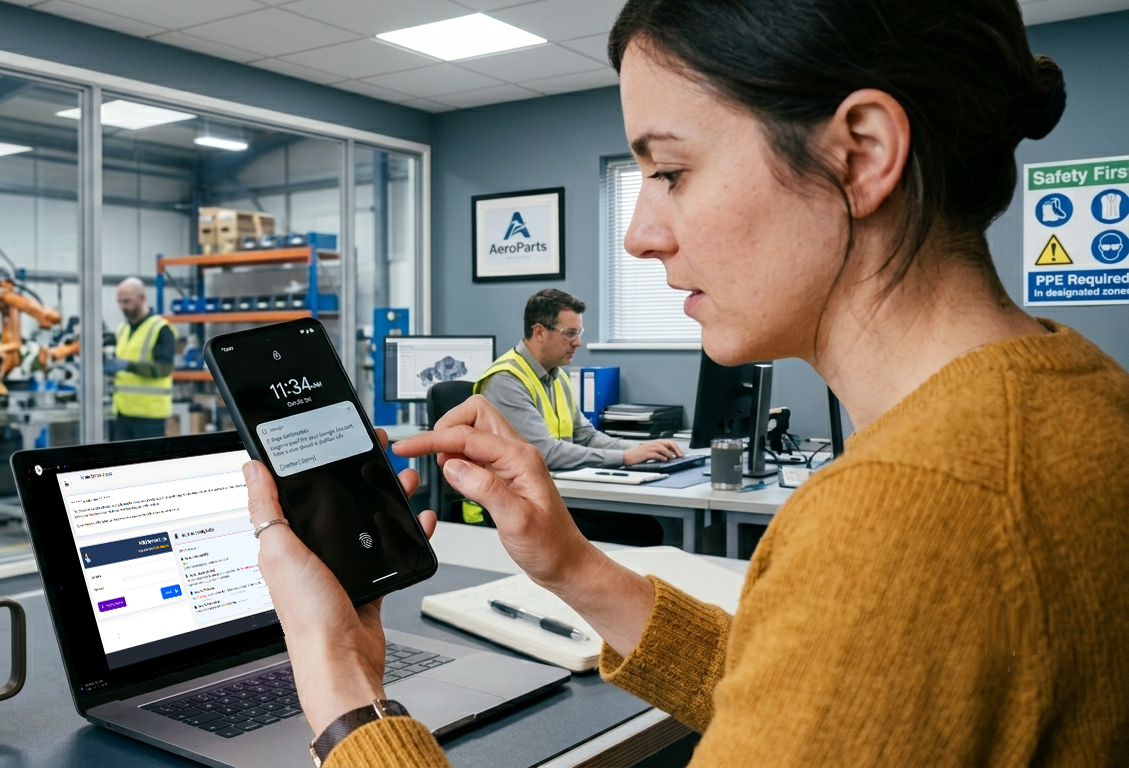
The Right Identity and Access Control for Everybody.
MOLI supports standard username and password + 2FA via TOTP, SMS, email, or voice code… alongside kiosk-native barcode, RFID, magnetic stripe, and employee ID options.
Robust authentication is supported by granular authorization controls, ensuring the right access is granted in the right way to the right people.
How It Works
- Standard MOLI Access requires a username, password, and user-selected second factor: authenticator app (TOTP), email, sms, or voice call. During the login process, users will receive a code from their preferred medium and will need to enter the code to finish logging in.
- Kiosk Access on the production floor can use a single-factor for login, such as barcode, keyfob (RFID), magnetic stripe card, or entering an Employee ID on the keypad.
- Multiple Sessions may be active simultaneously, allowing sharing of a single screen by multiple people.
Reauthentication Workflow
Sensitive operations trigger a re-authentication workflow — requiring logged-in users to re-verify before their action can proceed.
For example: a Kiosk user may need to scan their badge; an admin might need to enter their password.
From Access To Authorization
Once a person is authenticated, attention shifts to authorization — What are they allowed to do?
Permissions are granular and can be granted to specific People, Roles, or Groups.
Kiosk "Explicit Mode" limits permission scope to only the permissions necessary to run the prescribed functions of each kiosk.
Logon Hours
Access can be time-boxed as well as permission-boxed. Any Person, Role, or Group can be assigned a weekly Logon Hours schedule, restricting exactly which hours logon is permitted. A Person's effective Logon Hours combine their own schedule with those of every active Role or Group they belong to.
Login attempts outside permitted hours are denied and logged, and the person is informed why.