MOLI Escalations
strategically-placed "HELP" buttons with notification and resolution
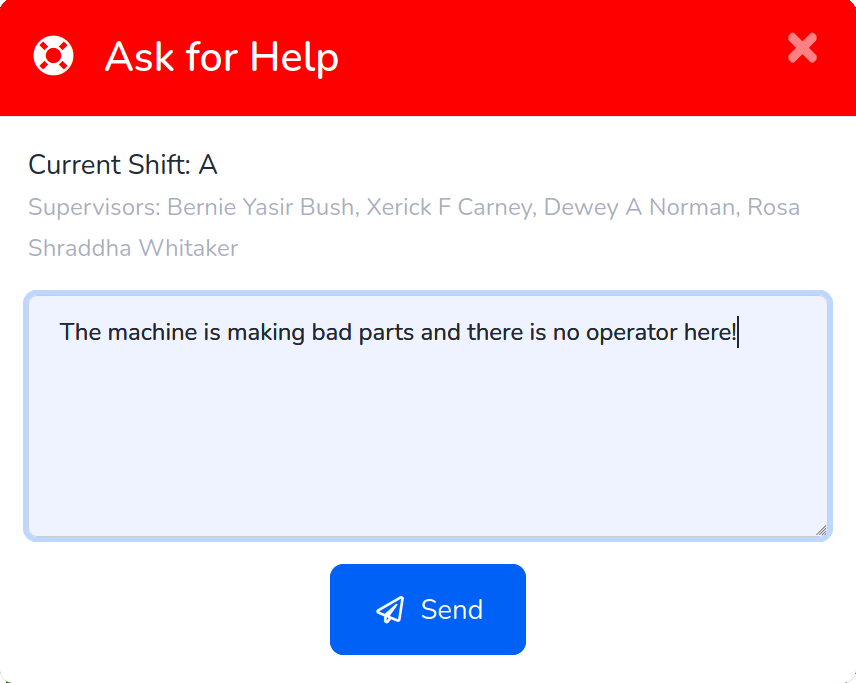
Push Help. Get Help.
When there's a problem on the floor, every second means waste, risk, and liability.
MOLI Escalations improve incident response times and help you document the resolution — notifying staff via multiple communications channels — and recording what was done to fix the issue.
How It Works
- Operators call for help by pressing the HELP button on any MOLI screen.
- MOLI can optionally take a picture and attach a screenshot to the problem description.
- Email, SMS, Voice Call, or Voice Page goes out to specific configured recipients.
- Stale escalation re-notifications ensure that issues are noticed and addressed.
- When the issue is resolved, the same people are notified of the resolution.
- MOLI records a full timestamped event log of the original report, any subsequent updates, and the final resolution.