MOLI Desktop App
Install MOLI on the computers you already have
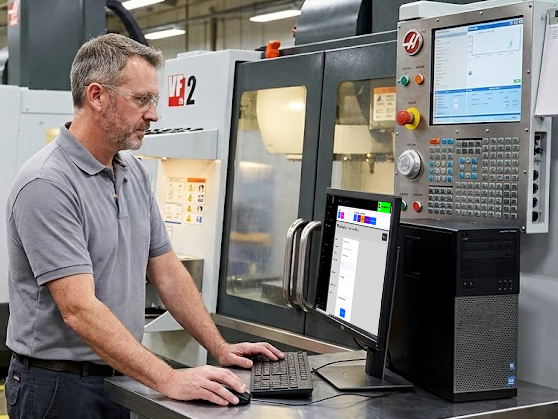
Already Have a Computer? Already Have a MOLI Terminal.
MOLI Certified Kiosk and Mobile Devices are the right call for most workcenters.
But plenty of floors already have PCs or laptops — hardware that doesn't need replacing — or workflows that don't justify a dedicated kiosk.
The MOLI Desktop App installs directly on most existing computers and turns them into full MOLI terminals.
How It Works
The MOLI Desktop App opens directly to your MOLI System — running in its own window instead of your browser.
A browser can't talk to a serial port or USB devices on its own. The MOLI Desktop App can — bridging access to connected devices while operating alongside existing software.
- Camera. Captures photos and decodes 1D/2D barcodes from a connected webcam.
- Scale Interface. Reads live weight and device information from supported devices.
- Serial / USB Devices. Enumerates, connects to, and configures generic USB-serial devices.
System Requirements and Installation Options
The MOLI Desktop App is built for each major desktop operating system and refreshed with every MOLI release.