
MOLI Integrated Printing
every printed document automatically linked to the digital record
Paper That Knows Where It Came From.
Every document MOLI prints — from quality reports to barcode labels — carries a traceable link back to the digital record that generated it.
No reconciliation, no lost context: when someone picks up the paper, the full digital history is one scan away.
How it Works
For most applications, simply exporting the PDF version and printing it is the preferred option. Kiosks can also be configured with a standard network printer to support printing PDFs directly from the Kiosk.
MOLI's print stylesheet also ensures that every MOLI view is natively print-ready.
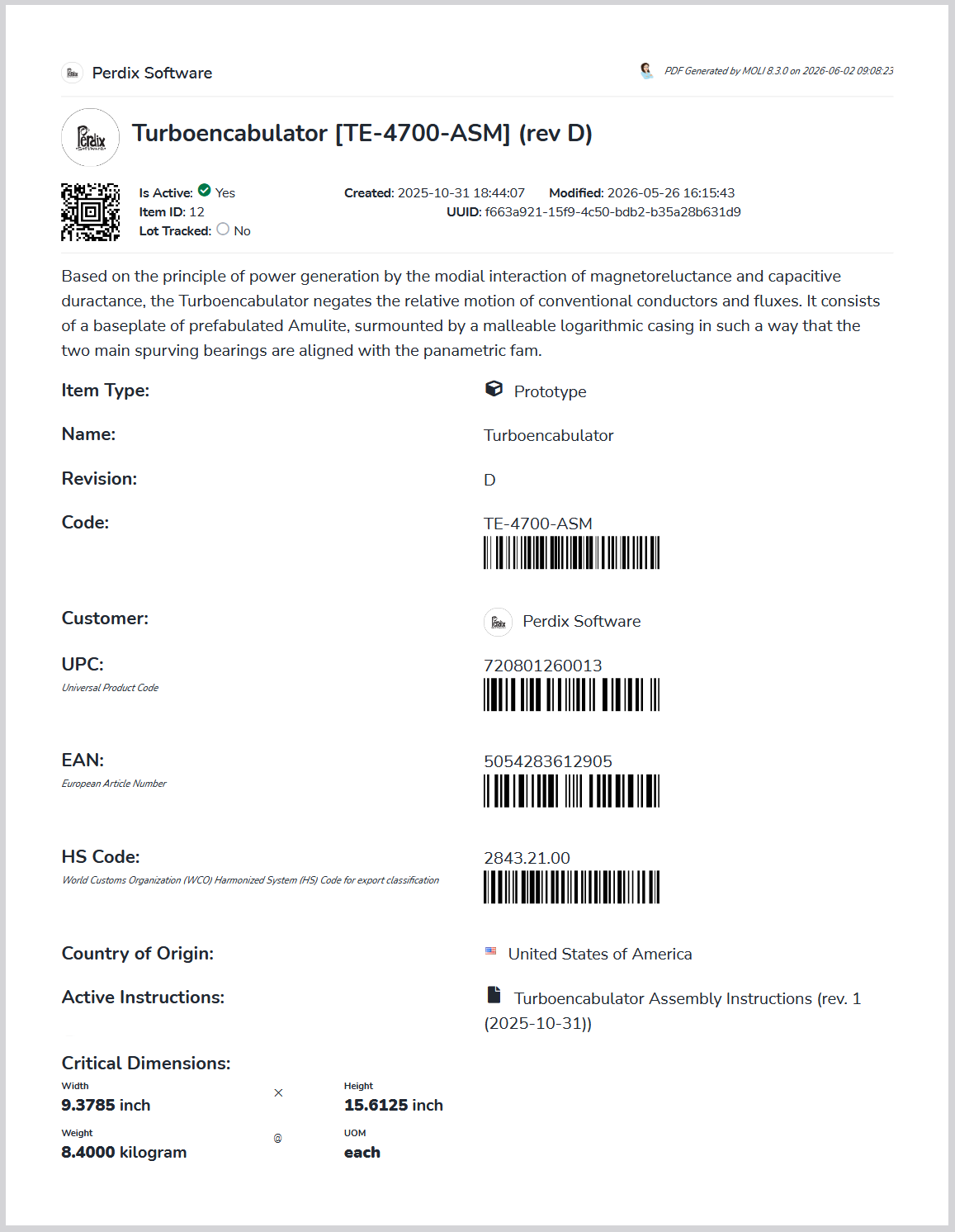
All printed copies automatically include barcodes that link back to the digital record.
For printing barcode labels, MOLI's built-in Barcode Printer supports printing individual and series labels to any Zebra® printer via ZPL, or via PDF to any IPP / RAW networked printer.
Each print is fully logged and can be viewed and reprinted later.